Search Results
All TinyMCE Developer Content

How to Build an Email Messaging App with TinyMCE and Resend in React
Build a production-ready email messaging app in React using TinyMCE and Resend. Learn to integrate templates, merge tags, inline CSS, and more.
 Coco Poley
Create a Full-Stack React Email Editor Using TinyMCE and Nylas email API: Part 2
Part 2: Integrate the Nylas email API with a TinyMCE React editor. Set env vars, add SDK, authenticate, read inbox, and enable sending in a full-stack app.
 Frédéric Harper
Migrating from Tiptap to TinyMCE: React Set-up
Learn how to migrate your React project from Tiptap to TinyMCE with our step-by-step guide. Upgrade your editor for a better user experience!
Coco Poley
How to Create a React + Next.js Project with TinyMCE
Learn how to create a React project and integrate TinyMCE, the powerful rich text editor. Step-by-step guide for fast and easy setup.
Coco Poley
How to create an email editor in React
Create a powerful React Email Editor using TinyMCE and Nylas API. Detailed guide with code walkthrough and video replay.
Coco Poley
How to Build a CMS with React and TinyMCE: A Complete Guide
Learn how to build a CMS using React and TinyMCE. Customize with plugins like Templates, AI Assistant, Markdown, and Accessibility Checker.
 Mrina Sugosh
Four Steps to Upgrade a React Textarea with a Rich Text Editor
Upgrade your React Textarea with Rich Text Editor and Vite in 4 steps. Learn how to add advanced formatting, media embedding, and more.
Coco Poley
Build LMS Editor with React, OpenAI, and TinyMCE
Build an LMS Editor with React, OpenAI, and TinyMCE, integrating powerful formatting plugins and AI-assisted content features.
Mrina Sugosh
How to create React show and hide components with TinyMCE
Discover how to add React show hide components, using TinyMCE with a React onclick event, in our latest guide on React show and hide.
 Joe Robinson
How to use Font Awesome with React and TinyMCE
Integrate Font Awesome with React and enhance your TinyMCE UI: a step-by-step guide to setting up, customizing, and securing your icons and editor.
Joe Robinson
Mastering React image upload with TinyMCE
Explore image handling in React and TinyMCE: from understanding uploads to importing images. Follow our guide to enhance your React applications with seamless image uploading using TinyMCE.
Joe Robinson
React accessibility: making your React app accessible
Dive into React accessibility: Understand web standards, build accessible components, learn a11y best practices, and master.
Joe Robinson
React Emoji Picker: Add emoticons to your text fields in just two steps
Add an emoji picker to your React apps text fields in just two steps with the world's most popular open source WYSIWYG HTML editor.
 Ben Long
How to optimize React apps – a Tutorials
We cover the React performance optimization on different stages of building React app: how to optimize it during the setup, in the process of building and during the production.
Team Tiny
Emulating an online document editor with TinyMCE in React
You can emulate React document editor with TinyMCE by following our detailed step by step Tutorials.
 Simon Fjeldså
How to Build a CMS with TinyMCE: Angular CMS Tutorial
Learn How to build a CMS with TinyMCE in this Angular CMS tutorial. Integrate the editor, add Comments, Mentions, Suggested Edits and AI locally.
Coco Poley
How to Create an Angular Project with TinyMCE
Learn how to create an Angular project with TinyMCE. Step-by-step guide to integrating the TinyMCE rich text editor into your Angular apps.
Coco Poley
How to Create a New Angular Project: Step-by-Step Guide
This website is a step-by-step tutorial on how to create an Angular project. It covers everything from creating the project to adding modules and components.
Coco Poley
How to create Angular Reactive Forms with a Rich Text Editor
Step-by-step guide to adding TinyMCE to Angular Reactive Forms with detailed setup instructions.
Coco Poley
How to access content by id in Angular with TinyMCE
Learn how to access and manage content by id in Angular using TinyMCE with this step-by-step guide, perfect for enhancing your app's content handling.
Joe Robinson
How to add fonts to an Angular project
Master adding fonts to Angular projects with our guide on configurations, step-by-step instructions, CSS management, font awesome options, and advanced tips.
Joe Robinson
How to enrich an Angular textarea with TinyMCE
Learn how to enrich Angular textarea with TinyMCE for a better application experience, covering creation, enhancement, resizing and more.
Joe Robinson
How to build an LMS with TinyMCE in Vue.js
Build a Learning Management System with TinyMCE in Vue.js. Step-by-step setup with templates, math, accessibility, code samples, and collaboration.
Coco Poley
How to Create a Vue Project with TinyMCE
Learn how to integrate TinyMCE into your Vue.js application. This step-by-step guide walks you through installation, configuration, and customization.
Coco Poley
Migrating from Tiptap to TinyMCE: the Vue.js configuration
Make the move from Tiptap to TinyMCE in your Vue.js project. Learn the best practices for a smooth migration and enhanced rich text editing.
Coco Poley
Vue Textarea with Rich Text Editing Integration
Discover how to enhance Vue.js Textareas by integrating TinyMCE for advanced text editing and form control.
Coco Poley
How to set up Vue fonts in your WYSIWYG
Explore the world of fonts in Vue.js with our guide. Learn about custom fonts, and best practices for fonts in Vue.
Joe Robinson
Mastering Font Awesome in Vue.js
Integrate Font Awesome icons seamlessly into your Vue.js applications with TinyMCE. Learn installation, configuration, and advanced usage techniques.
Joe Robinson
How to Add Suggested Edits to TinyMCE
Learn how to enable and manage suggested edits in TinyMCE, allowing users to propose content changes and streamline your editing workflow.
Coco Poley
How to Migrate from TinyMCE 7 to TinyMCE 8
Learn how to easily migrate from TinyMCE version 7 to the latest update, version 8 with our step-by-step guide.
Coco Poley
How to Create a JavaScript Project with TinyMCE
This step-by-step guide shows you how to create a JavaScript project with TinyMCE. Learn how to configure TinyMCE in a few minutes.
Coco Poley
Google Docs to HTML: How to Get HTML Content Cleanly
Learn How to Get HTML content From Google Docs using PowerPaste. Convert Google Docs to HTML quickly and efficiently in minutes.
Coco Poley
How to get started with image uploads using Bootstrap
Step-by-step guide on integrating Bootstrap web pages and TinyMCE and configuring image uploads.
Coco Poley
Understanding byte offset and WYSIWYG cursor position
Find out the important byte offset information you need to know to understand more about byte offsets in your WYSIWYG
Joe Robinson
JavaScript and localStorage in a nutshell
Learn how to use JavaScript with localStorage. Simple examples and step-by-step instructions on how to save, load and clear local storage
Joe Robinson
Understanding clipboard history and undo redo levels in TinyMCE
Discover all you need to know about clipboard history in your WYSIWYG using TinyMCE APIs to completely erase copy and paste history
Joe Robinson Joe Robinson
 Joe Robinson
 Joe Robinson
Mastering find and replace in TinyMCE
Master the 'Find and Replace' tool in TinyMCE. Discover its significance, enable it with ease, and get tips for efficient text editing. Elevate your content management experience
Joe Robinson
How to convert and rewrite URLs with TinyMCE
Discover URL rewriting and conversion with TinyMCE. Explore basics and best practices for optimal web performance
Joe Robinson
How to create a multilingual CMS with TinyMCE
Uncover the essentials of multilingual content and CMS. Dive into a step-by-step guide on building a multilingual CMS with TinyMCE and explore best localization practices
Joe Robinson
How to get and set textarea values with JavaScript
Dive into the essentials of working with textarea value in JavaScript: discover how to get and set textarea values, best practices for updating content and more.
Joe Robinson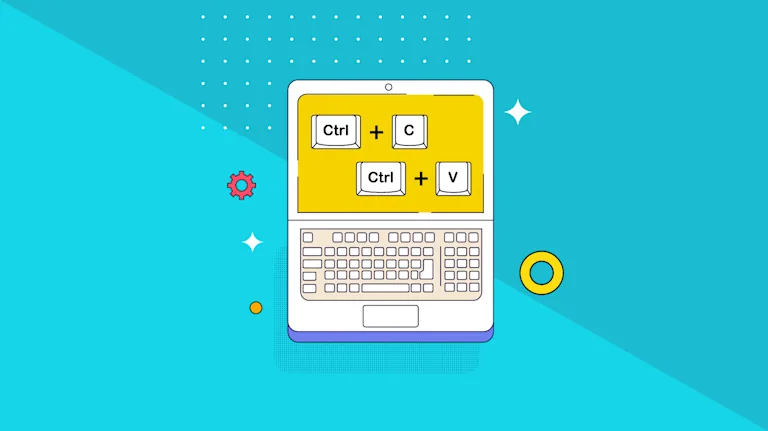
Keyboard shortcuts: creating, changing, customizing in TinyMCE
Master the art of efficiency with our guide on TinyMCE keyboard shortcuts. Learn how to create, change, customize, and debug shortcuts. Enhance your editing workflow with these essential tips
Joe Robinson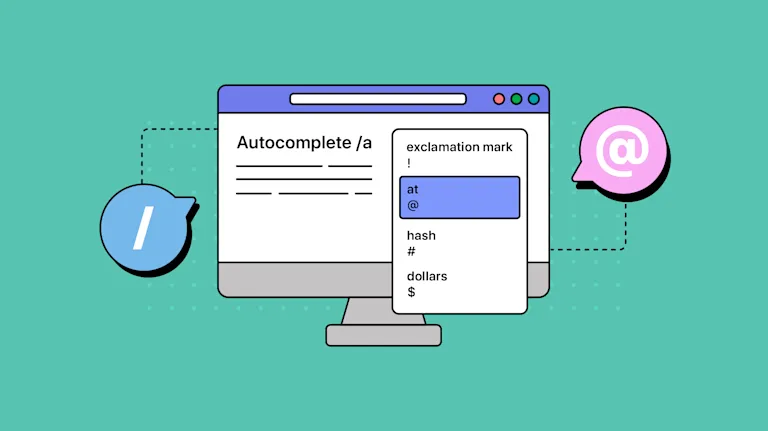
How to add autocomplete in your app with TinyMCE
Learn how to implement the autocomplete feature in the textarea of your app. Understand how to integrate it with a rich text editor for an enhanced user experience.
Joe Robinson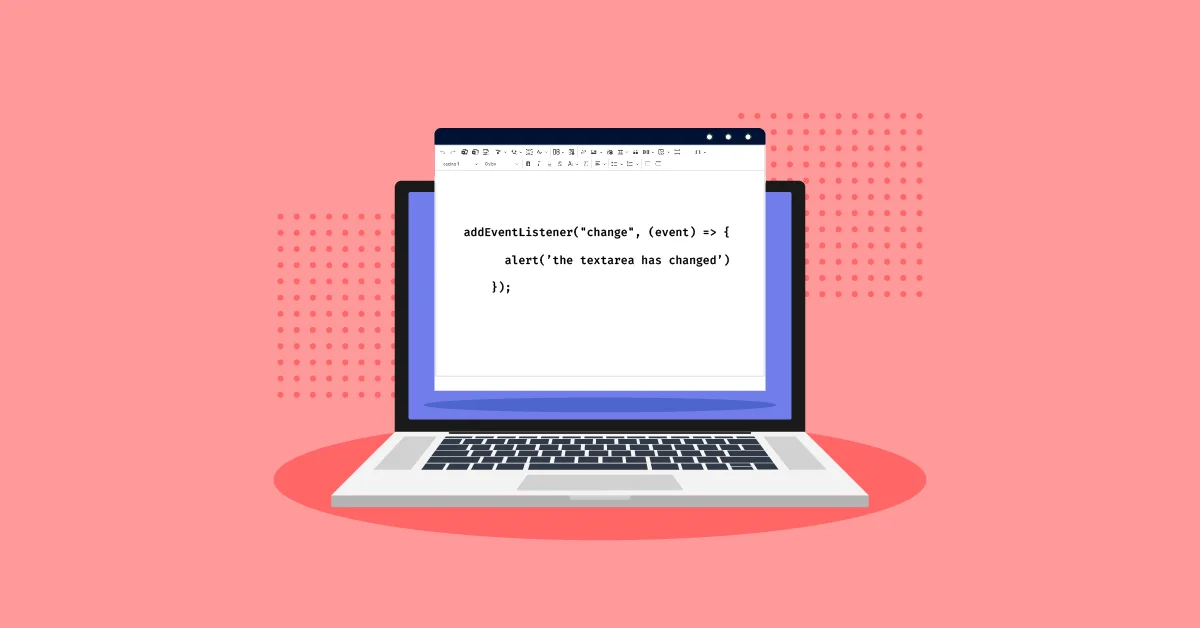
Textarea onchange events and TinyMCE
Explore the integration of textarea onchange events with TinyMCE. This article delves into the importance of handling changes in textareas, the role of JavaScript, and how TinyMCE provides rich text editing and event management.
Joe Robinson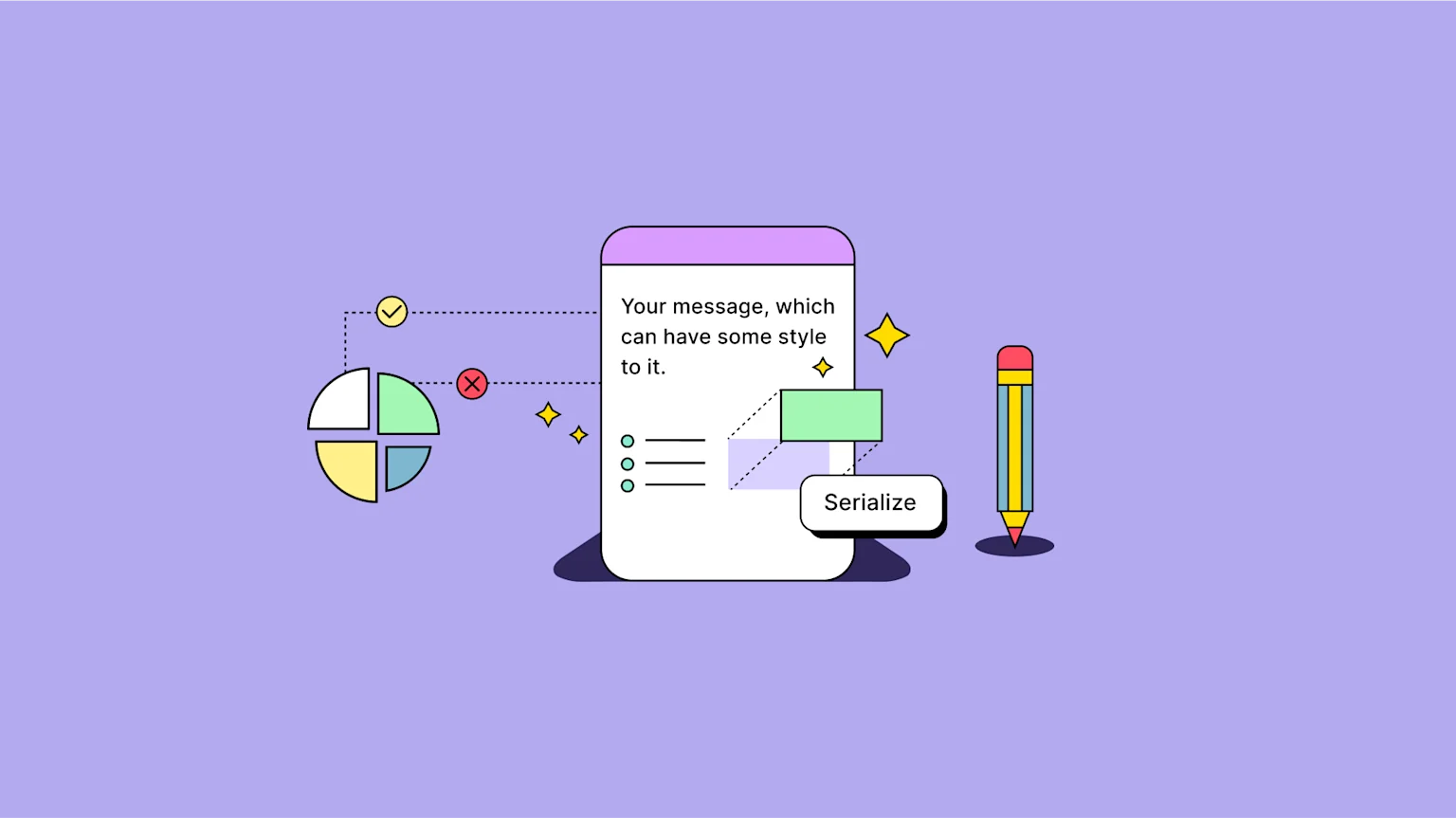
jQuery serialize and TinyMCE: Handling WYSIWYG editor forms
Learn how to use jQuery serialize for form data serialization in TinyMCE. This guide provides a step-by-step process for effective implementation in your application.
Joe Robinson
How to change CSS dynamically in TinyMCE
Gain insights on setting up dynamic CSS changes, refining these changes, and understand the benefits of using TinyMCE APIs for this purpose. Start your journey towards creating more interactive and responsive websites now!
Joe Robinson
How to Migrate from Froala editor to TinyMCE
Migration from Froala Editor 4 to TinyMCE 6 is easy and can be done in three simple steps with a bit of cutting and pasting.
Ben Long
How to work with keypress events in TinyMCE
You’ll find out how to work with keypress events in TinyMCE: possible uses, configuration and testing.
Joe Robinson
Autoformatting: How to enable it for content in your app's rich text editor
If you're interested in setting up autoformatting for your app's text input, there are multiple options available as a part of TinyMCE configuration.
Joe RobinsonHow to enable HTML and JavaScript code snippets in your app
Find out how configure your app to create code snippets for anyone writing content in your app.
Joe Robinson
Why TinyMCE Is the Right Rich Text Editor for CMS Projects
Find out why TinyMCE is the perfect rich text editor for CMSs, from collaboration features to content conversion to media optimization and more.
Coco PoleyHow to Build a CMS with TinyMCE: Angular CMS Tutorial
Learn How to build a CMS with TinyMCE in this Angular CMS tutorial. Integrate the editor, add Comments, Mentions, Suggested Edits and AI locally.
Coco Poley
How to Optimize Images in TinyMCE with Uploadcare
Learn how to optimize images for your website in TinyMCE using Uploadcare for faster load times, responsive scaling, and real-time image editing.
Mrina Sugosh
Migrate from Tiptap to TinyMCE: The Vue.js Configuration
Make the move from Tiptap to TinyMCE in your Vue.js project. Learn the best practices for a smooth migration and enhanced rich text editing
Coco Poley
TinyMCE Image Upload Made Easy With Tiny Drive
Simplify image uploads in TinyMCE with Tiny Drive. Learn how to configure the Tiny Drive plugin and get started with Tiny Drive in a few easy steps
Coco PoleyHow to Build a CMS with React and TinyMCE: A Complete Guide
Learn how to build a CMS using React and TinyMCE. Customize with plugins like Templates, AI Assistant, Markdown, and Accessibility Checker.
Mrina Sugosh
How to Set Up Rich Text Editor Comments in Embedded Mode: Step-by-Step Guide
Learn how to set up TinyMCE's Comments plugin in embedded mode, with step-by-step instructions for easy content collaboration.
Coco Poley
Enhance TinyMCE Revision History with Custom CSS Styles - Complete Guide Part 4
Customize the TinyMCE Revision History plugin with Custom CSS Styles to match your brand’s design and improve content readability.
Mrina Sugosh
Add Author Information to Revision History in TinyMCE - Complete Guide Part 3
Step-by-step guide to integrating author information in TinyMCE Revision History.
Mrina Sugosh
Implement Lazy Loading for Revision History in TinyMCE - Complete Guide Part 2
Enhance TinyMCE's revision history with lazy loading. Learn how to reduce load times and improve scalability in your editor setup.
Mrina Sugosh
How to Set Up and Use Revision History in TinyMCE – Complete Guide Part 1
Learn how to configure and use Revision History and Managing Authors in TinyMCE. Step-by-step guide.
Mrina Sugosh
How to add Markdown Plugin to your TinyMCE Editor
Markdown is commonly used for its simplicity, or writing blog posts that need to be quickly formatted and published. Learn how to set up the Markdown plugin in your TinyMCE Editor
Mrina Sugosh
How to configure block indentation
Markdown is commonly used for its simplicity, or writing blog posts that need to be quickly formatted and published. Learn how to set up the Markdown plugin in your TinyMCE EditorBlock indentation is possible in TinyMCE with useful out-of-the-box capabilities. Read on to find out how to set up block indentation.
Joe Robinson
Key Takeaways from Umbraco Spark 2025
Explore top takeaways from Umbraco Spark 2025, from caching and observability to TinyMCE innovations for Umbraco 14+. Plus, don’t miss our May webinar!
Mrina Sugosh
The best text editor in the fastest headless CMS
Discover the best text editor for a headless CMS, with the strategic integration of ButterCMS and TinyMCE.
 Jonathan Ames
Choosing the best content management system (CMS)
Discover the best CMS solutions for mobile apps through a comprehensive comparison. Explore the most widely used content management systems in terms of their mobile solutions, costs, and customization options.
Joe RobinsonHow to build an LMS with TinyMCE in Vue.js
Build a Learning Management System with TinyMCE in Vue.js. Step-by-step setup with templates, math, accessibility, code samples, and collaboration.
Coco Poley
Mastering TinyMCE: Building Plugins for Moodle Webinar Recap
Dive into the webinar recap on building TinyMCE plugins for Moodle. Learn the steps to create powerful, custom plugins for developers.
Coco Poley
More Powerful Content Editing with New TinyMCE Self-Service Add-Ons
Discover TinyMCE's add-ons: Revision History, AI Assistant, and Math Equations - available for self-service to elevate your content editing experience
 Brad Lawless
Build LMS Editor with React, OpenAI, and TinyMCE
Build an LMS Editor with React, OpenAI, and TinyMCE, integrating powerful formatting plugins and AI-assisted content features.
Mrina Sugosh
Supercharge Your Learning Management System with TinyMCE 7
Learn how TinyMCE 7 enhances your Learning Management System in our webinar. Get expert tips and see the features in action.
Brad Lawless
Why TinyMCE is the Most Secure Rich Text Editor
Discover how TinyMCE delivers secure content creation with strong encryption, SOC 1 and SOC 2 Compliance, and industry-leading security.
Coco PoleyHow to Optimize Images in TinyMCE with Uploadcare
Learn how to change line height, margins, and paragraph spacing in TinyMCE for better content layout and readability.
Mrina Sugosh
How to Change TinyMCE Line Height, Margins, Paragraph Spacing
Learn how to change TinyMCE line height, margins, and paragraph spacing with this comprehensive guide. Perfect for optimizing the TinyMCE editor.
Coco Poley
Best Rich Text Editors for PDF Export: Features Compared
Discover the best rich text editors for PDF export. Compare features, functionality, and ease of use to find the right editor for your needs.
Coco PoleyTinyMCE Image Upload Made Easy With Tiny Drive
Simplify image uploads in TinyMCE with Tiny Drive. Learn how to configure the Tiny Drive plugin and get started with Tiny Drive in a few easy steps
Coco PoleyHow to Set Up Rich Text Editor Comments in Embedded Mode: Step-by-Step Guide
Learn how to set up TinyMCE's Comments plugin in embedded mode, with step-by-step instructions for easy content collaboration.
Coco PoleyEnhance TinyMCE Revision History with Custom CSS Styles - Complete Guide Part 4
Customize the TinyMCE Revision History plugin with Custom CSS Styles to match your brand’s design and improve content readability.
Mrina SugoshAdd Author Information to Revision History in TinyMCE - Complete Guide Part 3
Step-by-step guide to integrating author information in TinyMCE Revision History.
Mrina SugoshWhy TinyMCE is the Most Secure Rich Text Editor
Discover how TinyMCE delivers secure content creation with strong encryption, SOC 1 and SOC 2 Compliance, and industry-leading security.
Coco PoleyImplement Lazy Loading for Revision History in TinyMCE - Complete Guide Part 2
Enhance TinyMCE's revision history with lazy loading. Learn how to reduce load times and improve scalability in your editor setup.
Mrina SugoshHow to Set Up and Use Revision History in TinyMCE – Complete Guide Part 1
Learn how to configure and use Revision History and Managing Authors in TinyMCE. Step-by-step guide.
Mrina SugoshHow to configure block indentation
Markdown is commonly used for its simplicity, or writing blog posts that need to be quickly formatted and published. Learn how to set up the Markdown plugin in your TinyMCE EditorBlock indentation is possible in TinyMCE with useful out-of-the-box capabilities. Read on to find out how to set up block indentation.
Joe Robinson
Understanding accessible documents and options from TinyMCE
Discover everything you need to know about accessible documents, and how the TinyMCE WYSIWYG makes accessible documents easier to write.
Joe Robinson
Understanding document export options with TinyMCE
Discover what you need to know to enable Document export using TinyMCE, and follow the steps to enable export to word documents and pdf.
Joe Robinson
How to import documents into TinyMCE
Discover the steps involved to import documents into TinyMCE, and how to manage import document content.
Joe RobinsonWhy TinyMCE is the Most Secure Rich Text Editor
Discover how TinyMCE delivers secure content creation with strong encryption, SOC 1 and SOC 2 Compliance, and industry-leading security.
Coco Poley
Comparing Implementing Collaboration: TinyMCE & CKEditor
Compare collaboration features in TinyMCE and CKEditor, including comments, revision history, and real-time editing. Implementation effort included.
Coco Poley
Comparing Implementing Collaboration: TinyMCE & Froala
Compare how much effort it takes to implement collaboration tools - comments, mentions, version history, and more - in TinyMCE vs Froala.
Coco Poley
Comparing Implementing Collaboration Features: TinyMCE and Tiptap
Compare the level of effort to integrate collaboration into Tiptap and TinyMCE, and how much coding and configuration is necessary.
Coco Poley
Collaboration Features in Rich Text Editors Compared
Compare collaboration features in TinyMCE, CKEditor, Tiptap, and Froala - from real-time editing to comments, mentions, and revision history.
Coco PoleyHow to Optimize Images in TinyMCE with Uploadcare
Learn how to change line height, margins, and paragraph spacing in TinyMCE for better content layout and readability.
Mrina SugoshBest Rich Text Editors for PDF Export: Features Compared
Discover the best rich text editors for PDF export. Compare features, functionality, and ease of use to find the right editor for your needs.
Coco PoleyTinyMCE Image Upload Made Easy With Tiny Drive
Simplify image uploads in TinyMCE with Tiny Drive. Learn how to configure the Tiny Drive plugin and get started with Tiny Drive in a few easy steps
Coco PoleyHow to Set Up Rich Text Editor Comments in Embedded Mode: Step-by-Step Guide
Learn how to set up TinyMCE's Comments plugin in embedded mode, with step-by-step instructions for easy content collaboration.
Coco PoleyEnhance TinyMCE Revision History with Custom CSS Styles - Complete Guide Part 4
Customize the TinyMCE Revision History plugin with Custom CSS Styles to match your brand’s design and improve content readability.
Mrina SugoshImplement Lazy Loading for Revision History in TinyMCE - Complete Guide Part 2
Enhance TinyMCE's revision history with lazy loading. Learn how to reduce load times and improve scalability in your editor setup.
Mrina SugoshHow to Set Up and Use Revision History in TinyMCE – Complete Guide Part 1
Learn how to configure and use Revision History and Managing Authors in TinyMCE. Step-by-step guide.
Mrina SugoshJoe RobinsonHow to Build an Email Messaging App with TinyMCE and Resend in React
Build a production-ready email messaging app in React using TinyMCE and Resend. Learn to integrate templates, merge tags, inline CSS, and more.
Coco PoleyCreate a Full-Stack React Email Editor Using TinyMCE and Nylas email API: Part 2
Part 2: Integrate the Nylas email API with a TinyMCE React editor. Set env vars, add SDK, authenticate, read inbox, and enable sending in a full-stack app.
Frédéric Harper
Create a Full-Stack React Email Editor Using TinyMCE and Nylas email API: Part 1
Create a powerful React Email Editor using TinyMCE and Nylas API. Detailed guide with code walkthrough and video replay
Coco Poley
How to Build an Email Newsletter Editor with Angular Using Windsurf AI
Learn to create a powerful email newsletter editor with Angular and Windsurf AI. Build, format, and enhance newsletters with AI-powered features.
Mrina Sugosh
Learn with TinyMCE at MLH Global Hack Week AI/ML: Workshop Replays
Missed the MLH Global Hack Week AI/ML? Watch TinyMCE's workshop replays to learn how to enhance your AI/ML projects with a powerful rich text editor!
Coco Poley